ABB ACS550 Tool
- RS Stock No.:
- 511-0461
- Distrelec Article No.:
- 304-22-335
- Mfr. Part No.:
- DRIVEWINDOW LIGHT 2
- Manufacturer:
- ABB

Subtotal (1 unit)*
SGD349.41
(exc. GST)
SGD380.86
(inc. GST)
FREE delivery for orders over $150, or create a business account to enjoy free delivery from just $28
In Stock
- Plus 3 unit(s) shipping from 20 April 2026
Need more? Click ‘Check delivery dates’ to find extra stock and lead times.
Units | Per unit |
|---|---|
| 1 + | SGD349.41 |
*price indicative
- RS Stock No.:
- 511-0461
- Distrelec Article No.:
- 304-22-335
- Mfr. Part No.:
- DRIVEWINDOW LIGHT 2
- Manufacturer:
- ABB
Specifications
Technical data sheets
Legislation and Compliance
Product Details
Find similar products by selecting one or more attributes.
Select all | Attribute | Value |
|---|---|---|
| Brand | ABB | |
| Product Type | Inverter Drive Accessory | |
| Accessory Type | Tool | |
| For Use With | ACS350 Series | |
| Series | ACS550 | |
| Standards/Approvals | CE, cUL, UL | |
| Select all | ||
|---|---|---|
Brand ABB | ||
Product Type Inverter Drive Accessory | ||
Accessory Type Tool | ||
For Use With ACS350 Series | ||
Series ACS550 | ||
Standards/Approvals CE, cUL, UL | ||
RoHS Status: Exempt
- COO (Country of Origin):
- DE
ABB Accessory, Configuration Software, 4 Supported Operating Systems - ACS350 Series - DRIVEWINDOW LIGHT 2
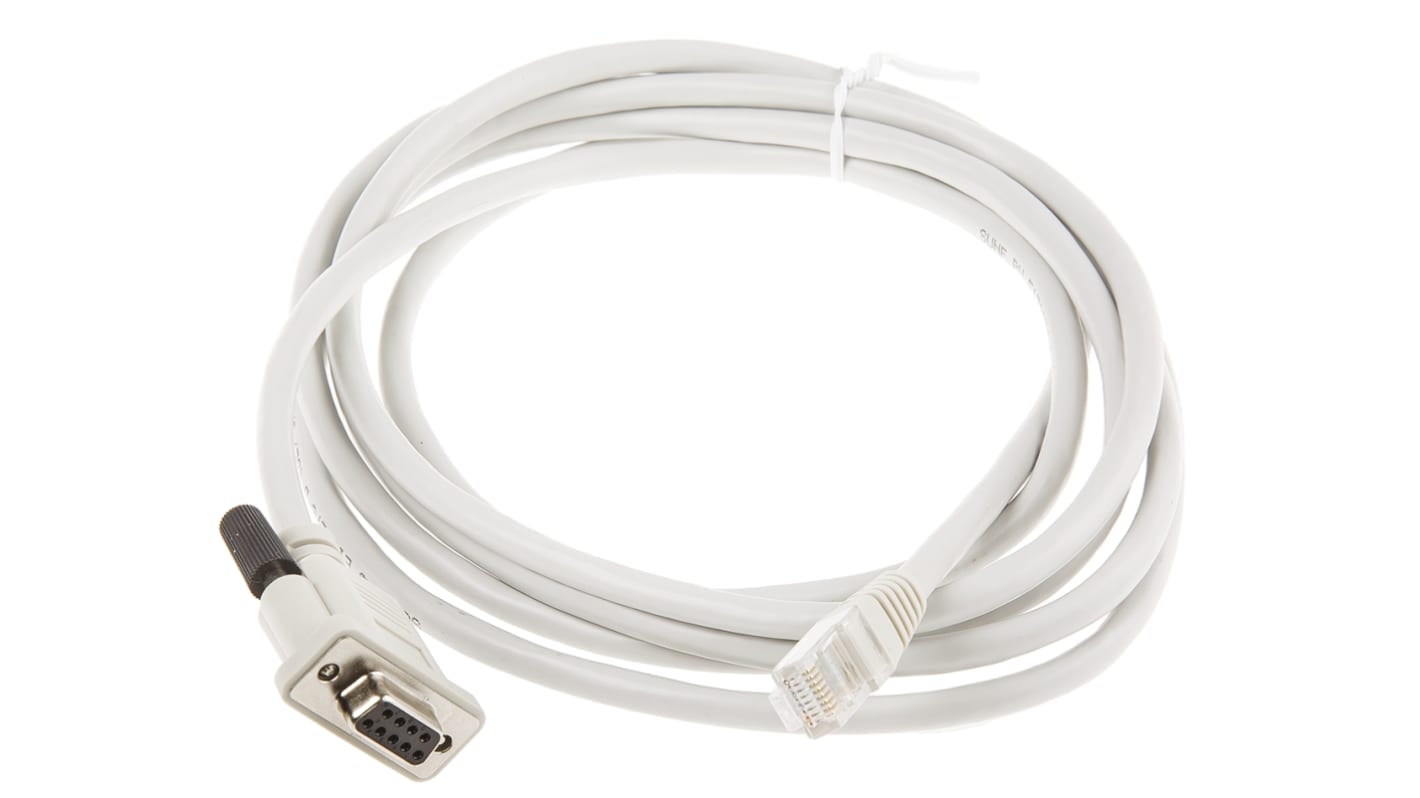
Get a handle on your motor's drive with the help of this configuration software from ABB. It's a DVD-ROM containing the Drive Window Light 2 software. You also get a serial cable for easy connection to your device. This handy package lets you configure, monitor and troubleshoot the operating parameters of your motor so it runs smoothly. It's intended for use with drives from the ACS350 range. Thanks to the accessory's integrated I/O mapping table, you get insight into the drive’s input and output setup, letting you fine-tune it for optimal performance.
Features & Benefits
• Supports online and offline operation for user flexibility
• Graphical interface enables convenient status monitoring
• Integrated backup lets you quickly restore parameters after downtime
Applications
• HVAC equipment
• Conveyor belts
• Oil and gas industry
How do I connect the serial cable to my control system?
You can connect the cable by plugging it into the serial port of your PC. If your computer doesn't have a serial port, use a serial-to-USB adapter.
What operating systems are compatible with this software?
This software works with Windows 7, Vista, XP and 2000, so it's compatible with commonly used systems.