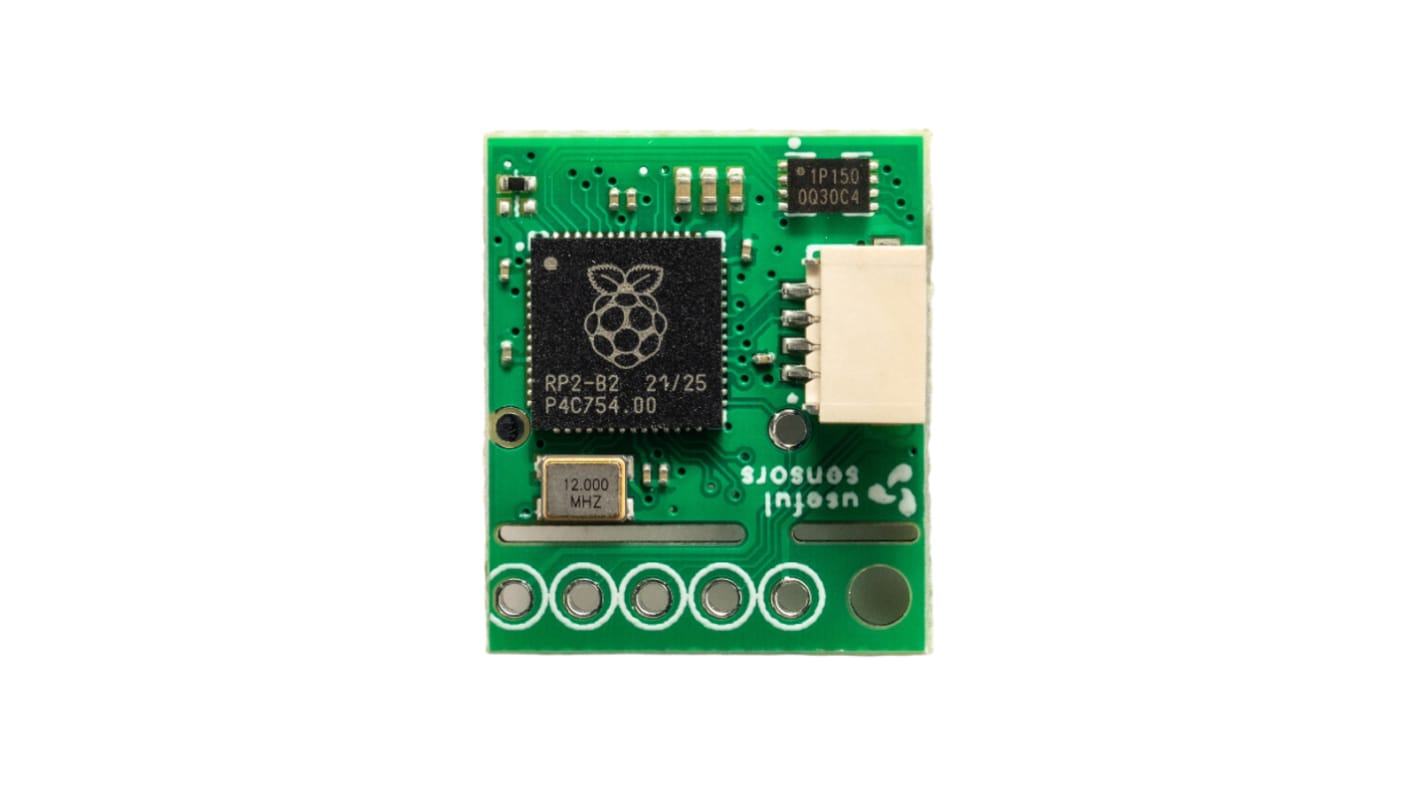
Useful Sensors Inc. Tiny Code Reader 3.3 V

Subtotal (1 unit)*

SGD6.44

(exc. GST)

SGD7.02

(inc. GST)

Add to Basket
Select or type quantity
Last RS stock
  • Final 1,186 unit(s), ready to ship from another location
Units
Per unit
1 +SGD6.44

*price indicative

RS Stock No.:
265-7221
Mfr. Part No.:
SEN 35632
Manufacturer:
Useful Sensors Inc.
Find similar products by selecting one or more attributes.
Select all

Brand

Useful Sensors Inc.

Product Type

Tiny Code Reader

Optical Technology

CMOS image sensor

Maximum Supply Voltage

3.3V

Minimum Operating Temperature

-20°C

Depth

0.42in

Length

0.75in

Standards/Approvals

ISO/IEC18004, CE, FCC

Width

0.64 in

COO (Country of Origin):
CN
Say hello to the Tiny Code Reader from Useful Sensors. Requiring a standalone module or software solution on a microcontroller equipped with a camera for QR code reading in your maker ventures is no longer needed. Thanks to the Tiny Code Reader this has now become considerably more convenient, compact, and cost-effective.

Whether you’re using QR codes for transmitting Wi-Fi credentials to facilitate wireless connectivity setup or conveying personal data to populate a digital badge. This process was far from straightforward. So, what exactly makes the Tiny Code Reader great?

Perfect add-on for projects needing text input


Does your project require text input but has no touch screen or keyboard? The Tiny Code Reader is ideal, it simply connects through Qwiic and is designed to be a simple way to provision a system, for example by providing the Wi-Fi network name and password, or by providing input when there's no keyboard.

Tiny form factor


Designed with a compact form factor the Tiny Code Reader is the size of a coin so will easily fit in most places.

Compatible with many systems


The Tiny Code Reader comes with a comprehensive developer guide which includes example code for many popular systems including Arduino, Raspberry Pi, Pico W, CircuitPython, and MicroPython.

Project tutorials to help you get started


Aside from being compatible with many popular systems, there are also several complete project tutorials for Wi-Fi provisioning, keyboard input, and display updating.

Related links